 Image 1 of 1
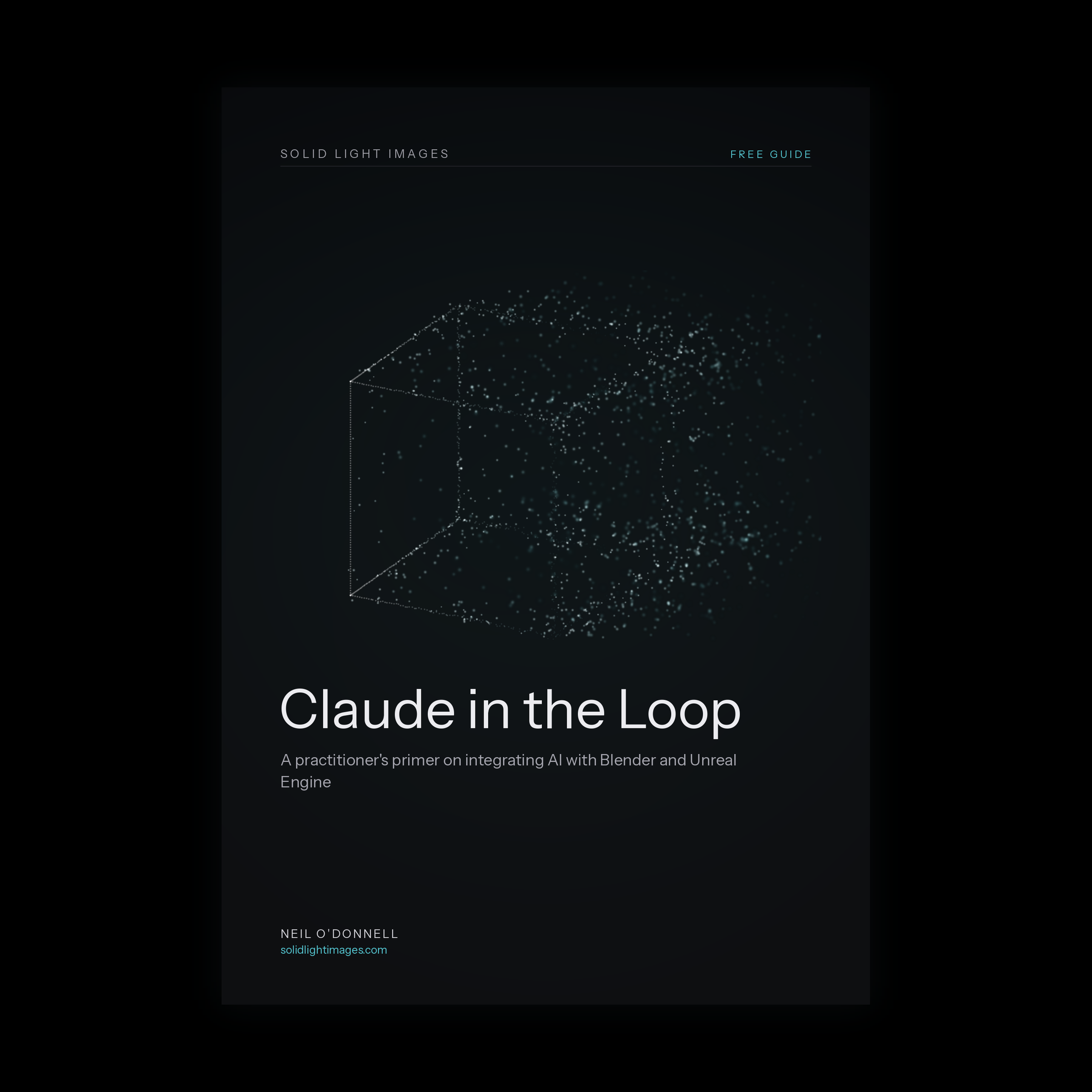
Most demos of AI in 3D show a cube appearing from a prompt then stop there. This guide is about the rest: the real, repeatable ways Claude plugs into a working pipeline, written for artists rather than engineers.
It maps the three doorways into the workflow, the in-app connector, the API and the agentic layer. From there it walks through the official Blender connector that shipped with Claude for Creative Work, then the community Unreal MCP servers, set up step by step. Throughout it stays honest about the ceiling: where the integration saves hours of dull work and where manual craft is still faster.
It includes a prerequisites quick start, numbered setup walkthroughs for both engines and a troubleshooting list, so a newcomer can reach a working connection rather than just an overview. Around 4,500 words. Current as of 2026. No prior code experience assumed.
What's inside
Three ways in: connector, API and agentic, and when to reach for each
Before you begin: prerequisites, installing uv and setting up your API key
Claude and Blender: the official connector and the community blender-mcp, set up step by step
Claude and Unreal Engine: the MCP server landscape, with a numbered walkthrough
Beyond the connectors: the API and Claude Code for the dull pipeline plumbing
When it will not connect: a troubleshooting list for the common snags
Guardrails: a sane workflow and where judgement stays with you
Who it's for
CGI generalists, architectural and product visualisation artists, real-time and technical artists working in Blender or Unreal Engine.
Most demos of AI in 3D show a cube appearing from a prompt then stop there. This guide is about the rest: the real, repeatable ways Claude plugs into a working pipeline, written for artists rather than engineers.
It maps the three doorways into the workflow, the in-app connector, the API and the agentic layer. From there it walks through the official Blender connector that shipped with Claude for Creative Work, then the community Unreal MCP servers, set up step by step. Throughout it stays honest about the ceiling: where the integration saves hours of dull work and where manual craft is still faster.
It includes a prerequisites quick start, numbered setup walkthroughs for both engines and a troubleshooting list, so a newcomer can reach a working connection rather than just an overview. Around 4,500 words. Current as of 2026. No prior code experience assumed.
What's inside
Three ways in: connector, API and agentic, and when to reach for each
Before you begin: prerequisites, installing uv and setting up your API key
Claude and Blender: the official connector and the community blender-mcp, set up step by step
Claude and Unreal Engine: the MCP server landscape, with a numbered walkthrough
Beyond the connectors: the API and Claude Code for the dull pipeline plumbing
When it will not connect: a troubleshooting list for the common snags
Guardrails: a sane workflow and where judgement stays with you
Who it's for
CGI generalists, architectural and product visualisation artists, real-time and technical artists working in Blender or Unreal Engine.